1688 research
1688 Product Research Checklist for Overseas Buyers
A practical 1688 product research checklist for overseas buyers: record the exact product variant, specification, quantity and sourcing context…
1688 research
Learn how overseas buyers can read a 1688 product listing, identify the exact variation and turn visible details into a clearer sourcing brief.
A 1688 listing can be a useful product reference, but it is not a ready quotation. This guide shows how to separate the selected product facts you can see from the questions that still need to be clarified for your own project.
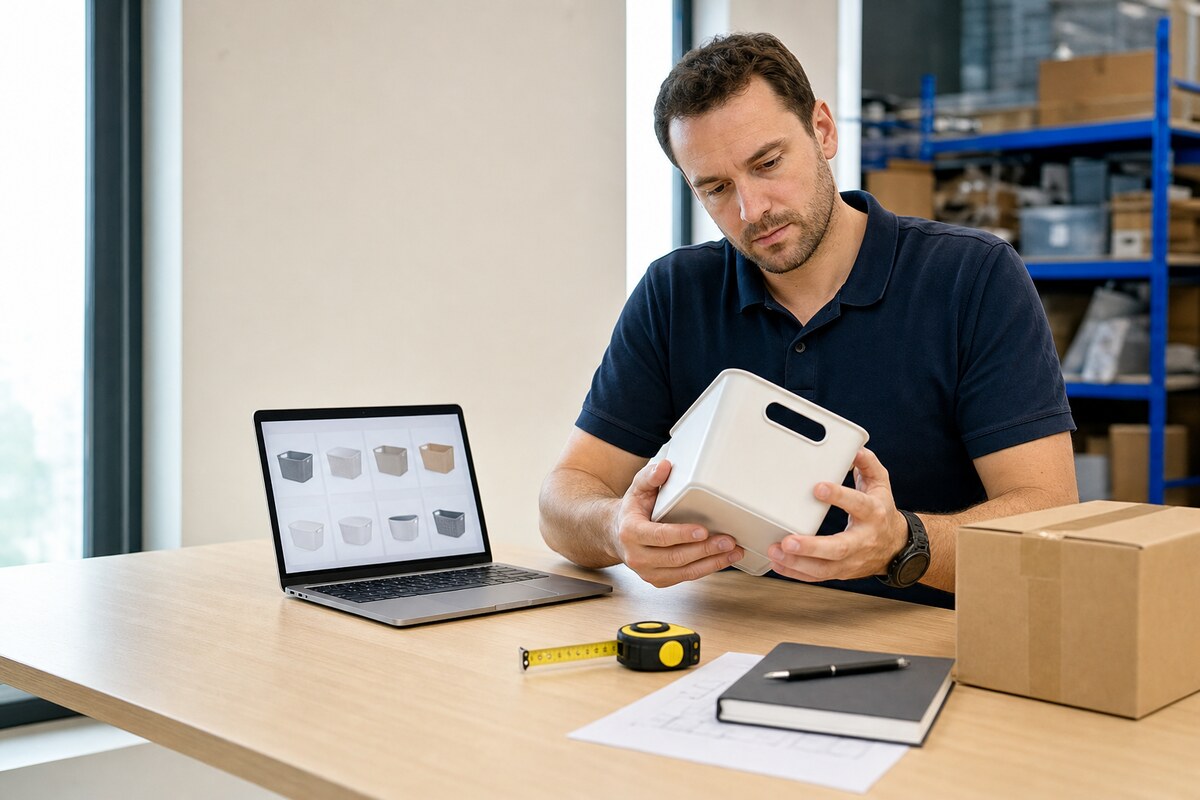
Do not treat the page title or main image as the whole product. Record the selected model, size, color, material and set, especially when a listing combines several options on one page. A low displayed price can relate to a smaller variation, a different accessory bundle or another quantity.
Write the chosen configuration in your own words as well as saving the URL. That makes it possible to identify the same reference later without relying on a marketplace selection state, translated page text or a shared product photo.
A listing may show a material, product feature or package image that is useful for research. It does not by itself confirm current availability, export suitability, final packaging, final price, delivery terms or supplier approval for your project.
Mark missing details as unknown. This is more useful than filling gaps with a similar image or another variation, because it creates a clear list of questions for later review.
Check whether a price appears to be connected to a minimum quantity, a selected option, domestic delivery, a promotion or a range. Keep the price direction with the page, but do not compare it directly with another page until the core product and quantity basis match.
For your brief, state your intended quantity and a target price direction in your own currency and basis. For example, say whether your target is a product-only unit price for 500 pieces or an early budget reference. That is clearer than treating the page number as a final term.
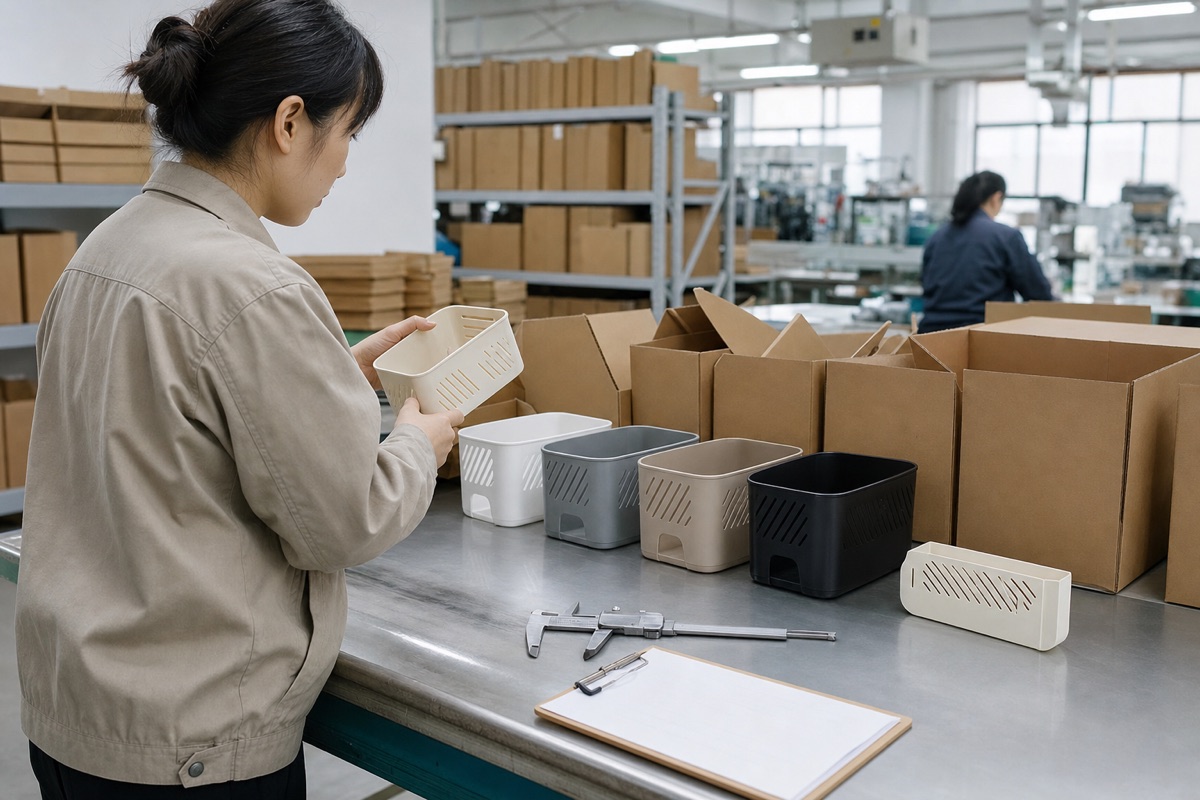
Before moving on, inspect product photos, specification areas and variation labels for differences in material, dimensions, lid or handle type, included accessories, finish and package contents. Small differences can change the product you are evaluating more than the listing title suggests.
If you need a particular standard, retail label, carton protection or destination-specific requirement, add it separately. Marketplace content is a product reference; it should not be used as proof that a requirement has already been agreed or met.
Keep one record for each product candidate: the source URL, exact variation, visible facts, quantity, target price direction and the information that remains unknown. This avoids mixing features from several listings into one unclear request.
For one product, add the reference to the website sourcing request form. For several active product pages on desktop Chrome, the guided helper can save the active page only after your click; every captured detail remains editable and a manual product can be added whenever page information is incomplete.
Use the China sourcing request form for one item, review the completed sourcing brief example, or read about the guided Chrome helper for a multi-product project. Sourcing support starts from US$1,000 and is subject to scope review.